 Octavam
Start a little slower.
Tempo from 0.25× to 2×, at your own pace.
 Octavam
Connect your MIDI piano and learn with sheet music, blocks or both.
Every feature is free. No account. No ads.


Three ways into your first song
Switch views at any point while learning.
Connect notation with blocks above the keys.
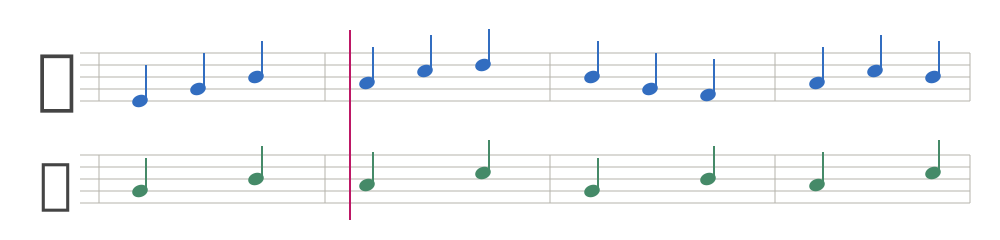
Illustration of mixed view.
Follow mode
Octavam waits for the right notes or chord before moving on.
Waiting for C
Demonstration only. No piano is connected.
The app waits for the right note before moving on.
Small steps. Progress you can hear.
Tempo from 0.25× to 2×, at your own pace.
Repeat a chosen passage in an A–B loop.
Import .mid and .midi files and return to recent pieces.
Themes from paper to black. Single-line or page layout.
Built-in lessons
Scales, melodies, chords and a Chopin course with saved progress.
With your real piano
Your piano sends key presses straight to Octavam.
Connect over Bluetooth MIDI or USB MIDI.
Choose a lesson or open a MIDI file.
Turn on follow mode and practice at your own pace.
An instrument with MIDI is required. How do I connect my piano?
Meet your piano all over again
A free app for Mac, iPad and iPhone.
macOS 14 or later.
For Macs with Apple Silicon and Intel.
iPadOS 26.2 or later.
More room for music, right by your piano.
iOS 26.2 or later.
Practice, always within reach.
Every learning feature is free. No account or ads.
MIDI files, settings and progress stay on your device. Read the privacy policy.
Created in Poland
Created by Leszek Pomianowski — a developer from Poland building open source tools.
You can support my work through GitHub Sponsors or Ko-fi.
Before you play
Yes, every learning feature is free. Supporting the creator is optional.
Choose “Connect Bluetooth MIDI device” in the device panel. USB MIDI needs a suitable cable.
Bluetooth MIDI or USB MIDI is enough. Bluetooth audio alone and microphone input are not supported.
Yes, open a .mid or .midi file. On Mac: ⇧⌘O.
Polish, English, German, French, Ukrainian and Russian.